
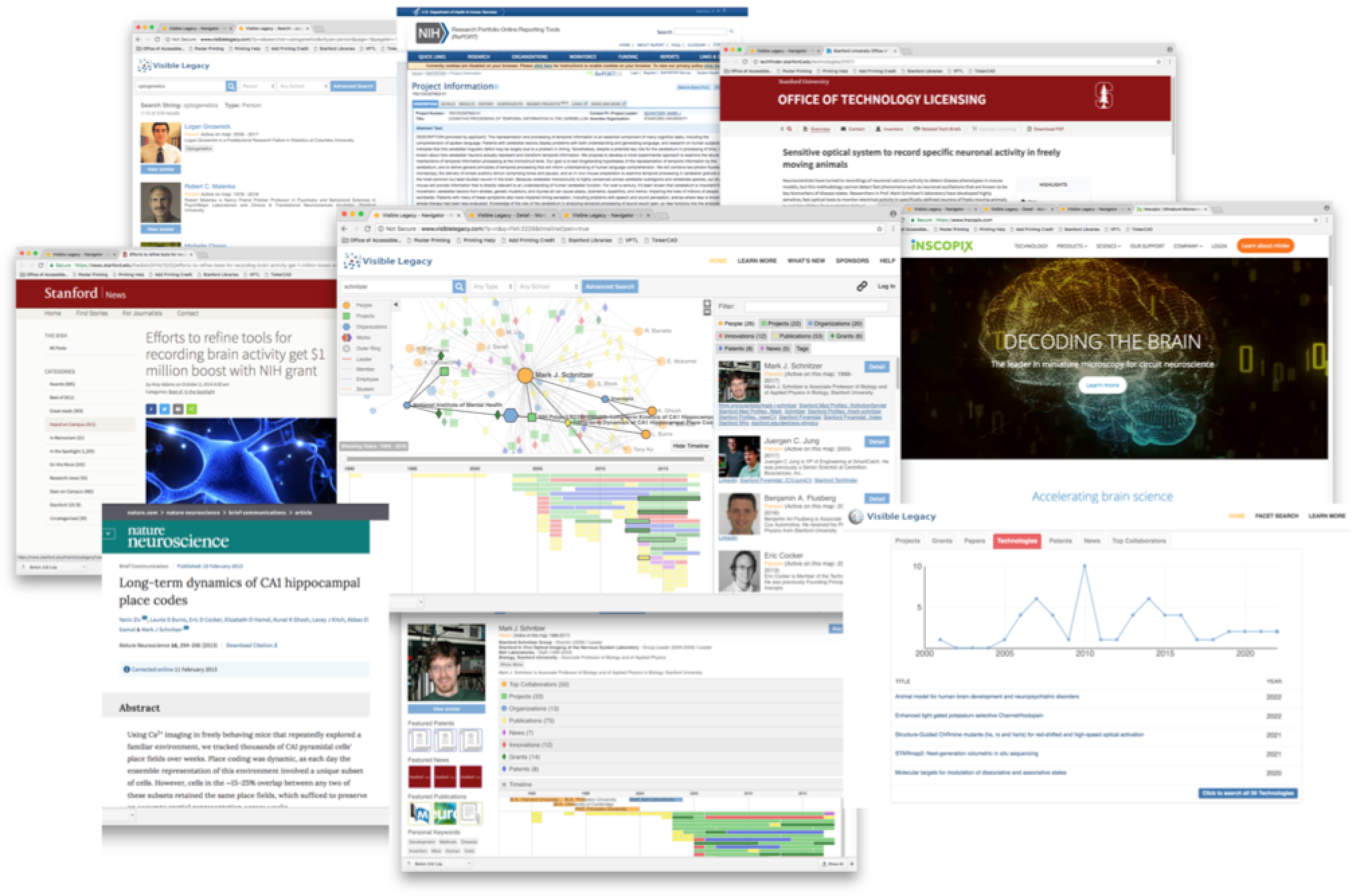
Search and Navigate
The Visible Legacy Navigator portal start-page has a familiar topic search box. This searches in the title of all topics. Or use the Facet Search to select by type Person, Project, Organization, or Document and filter by wource-organization and specific Keywords. From the list of results, click on the Title to open the Overview map for that topic.
Discover and Explore
Within the maps you can follow the story of innovation over time and through interconnections. The elements of teh Overview map interact: the map of linked topics, the timeline showing the same topics in time, and teh sidebar tabs showing "card" summaries of teh topics and keywords. You can double-click a node to re-enter the map on that topic, or click a Title to navigate to that topic. The tabs are color coded as a key to the node types.
Find Fit and Connect
You can "read around" a topic by following the links to online papers, patents, innovation disclosures, and news. Often the co-authors or the connected projects lead to "in between" innovators or the most recent discoveries that are a closer fit to your needs. The curated links in the topic cards allow you to quickly jump to the innovator's public web page and contact information. You can capture the weblink of interesting technologies with a button-click and stave them into your IP workflow and easily share with colleagues.
Navigator Pro
If you register for a free account you can save favorite technology URLs, save searches, download search results to Excel and set and save various user preferences.